Gemini Free Access
Important Notes
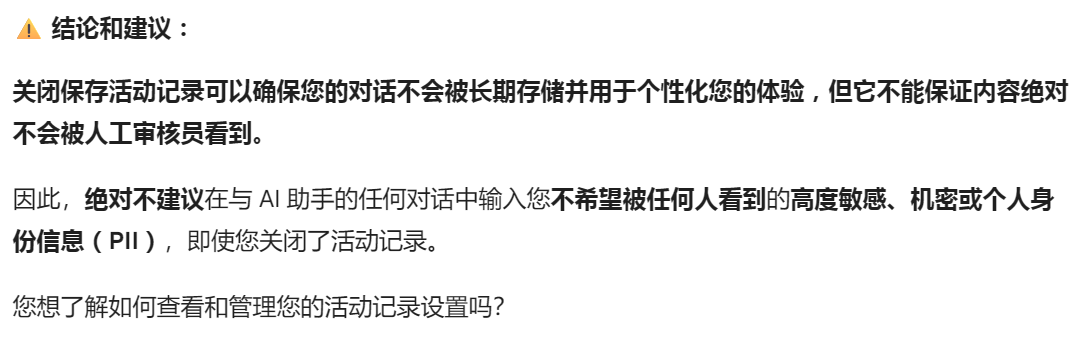
Your data may be used by Google when using Gemini. You need to be aware of this!
Building your own local AI model and keeping your own data is quite important. I think this is a small future trend, similar to NAS.
First, find a way to build your own local large model and find the best intersection point where it can assist with code writing and performance.
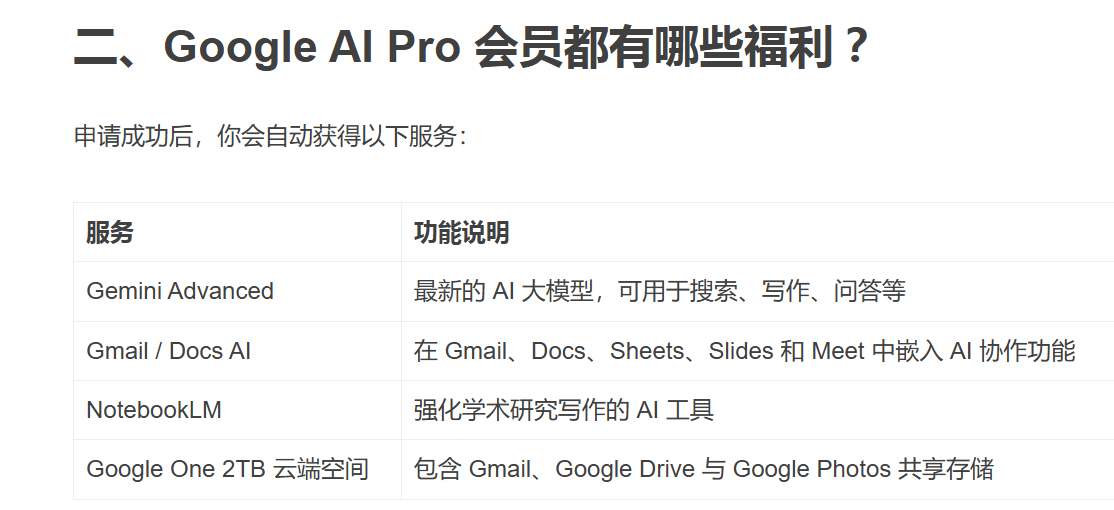
1. Prerequisites
- Suitable Node/Proxy
This depends on whether the node you purchased is clean. You can try a few different ones.
- Account Eligibility
Previously, neither of my two accounts was eligible. I don’t know why - perhaps the account was restricted or I didn’t set the age to an adult at the beginning.
- Build a Reasonable Identity Using AI Tools and Online Guides
You need to build a reasonable identity. Considering that auditors may come from Europe and America and I was rejected too many times and felt discouraged, I decided to…
2. Getting Started
-
Incognito Browser Mode
-
Log in with an eligible Google account (at first none of my accounts were eligible so I chose…), select a suitable node
-
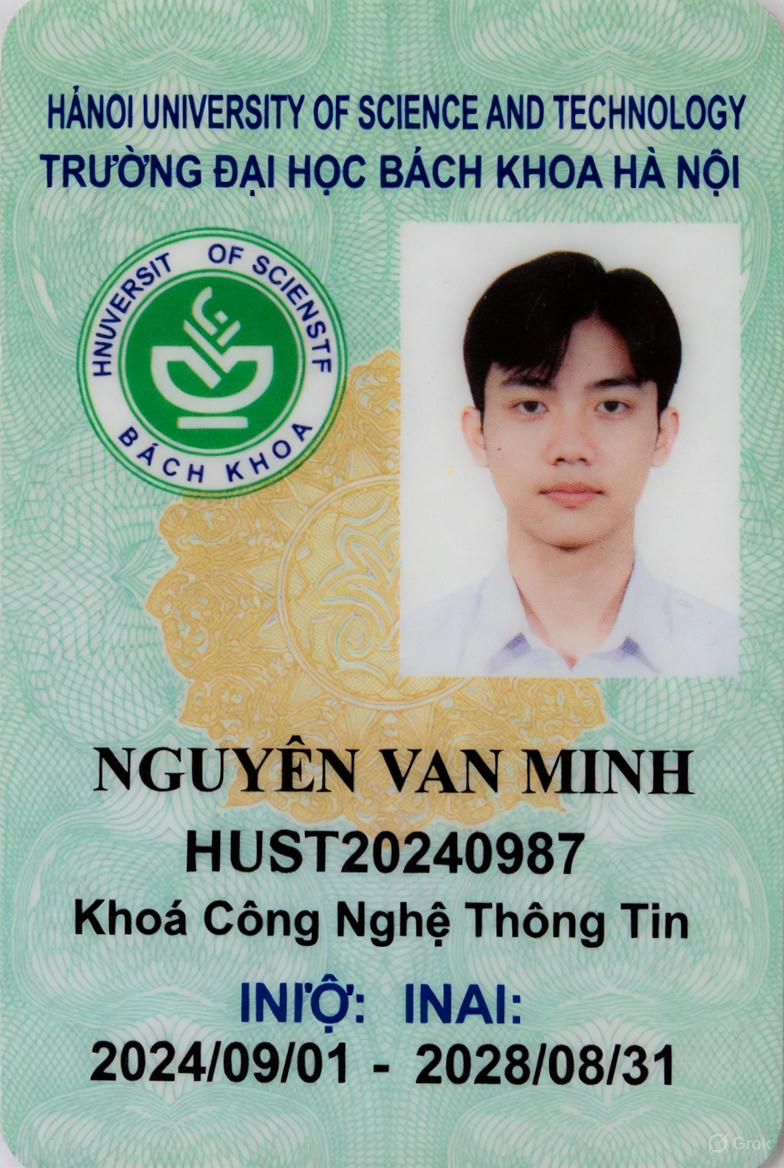
First Review (11.12) Since 1keyme didn’t work, I chose to build my own identity. The first time I built a Vietnamese student identity. It passed successfully.
-
I only used a student ID card right image, later using the left image for the second attempt which failed:

-
Now with the release of gemini3, the heat may have risen further and auditing is more strict. So just a student ID card is not enough; you need to further use a class schedule.
-
-
Second Student Identity Review (11.21)
So for the second time I used an Italian student identity (due to node issues)
-
First ask AI which Italian schools have which majors, and choose a reasonable school.
Vita-Salute San Raffaele University
-
Then search for “school student ID card” directly on Google, you might see templates on sites like LinkedIn, and use AI to modify the template to the required format.
-
Similarly, use Google to search for “class schedule”, you might directly get the official class schedule of that school.
-
-
Bind Credit Card
Here I used my own credit card. The binding method was through Google Play, binding a Visa credit card. After binding successfully, I directly clicked Get Offer and it worked.
3. Key Page Images
Correct Node Page
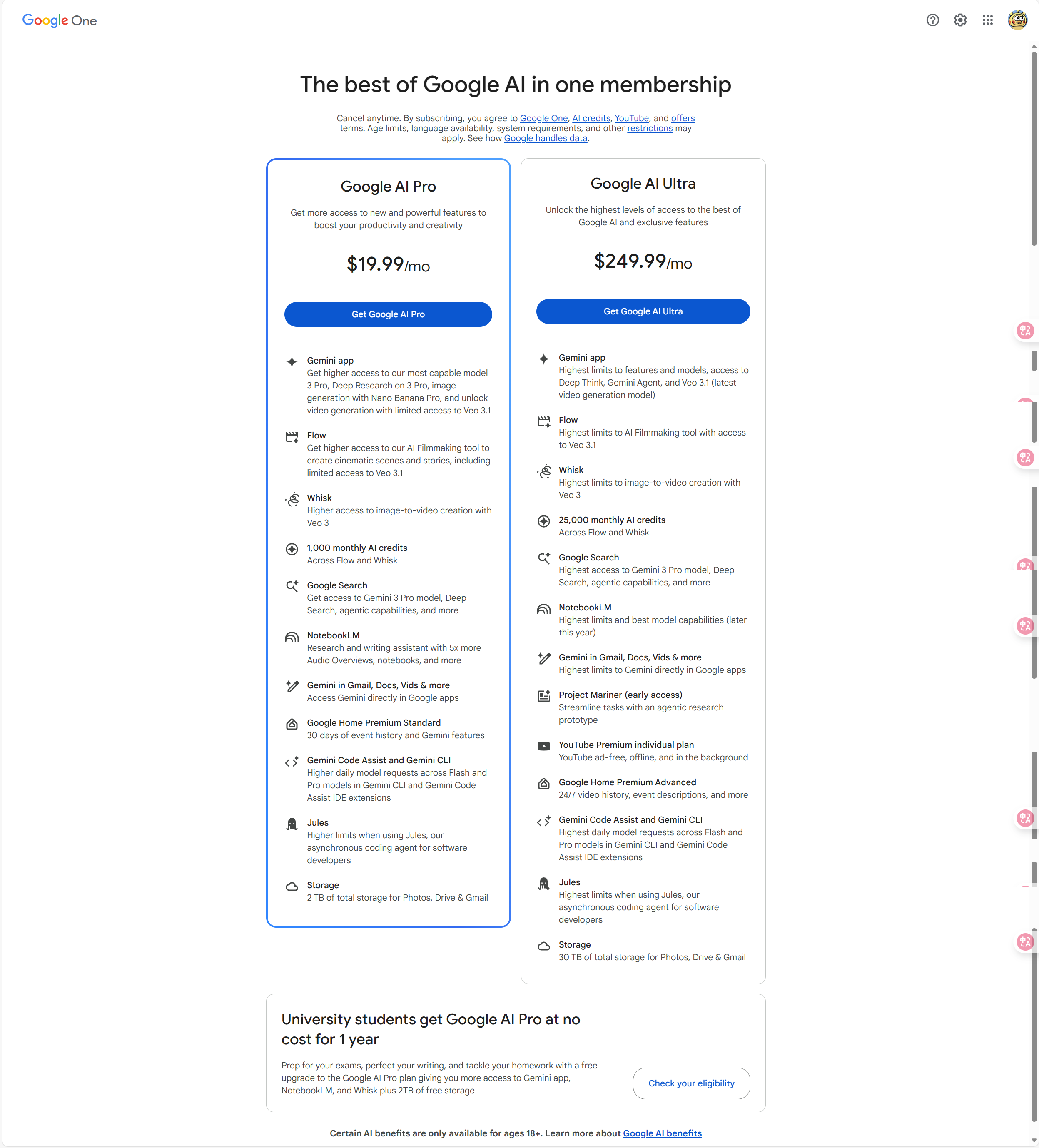
Eligible Page
Not eligible
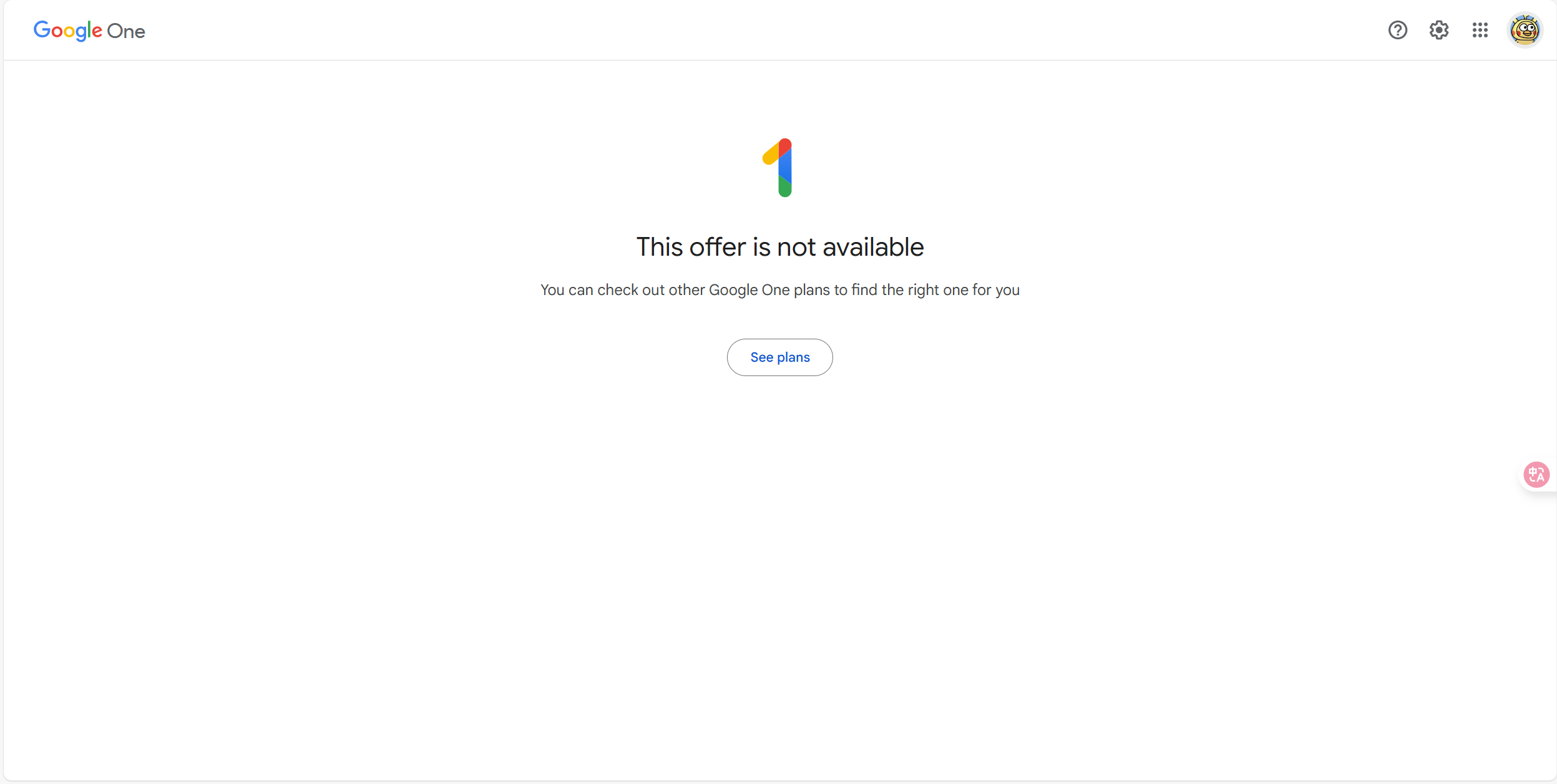
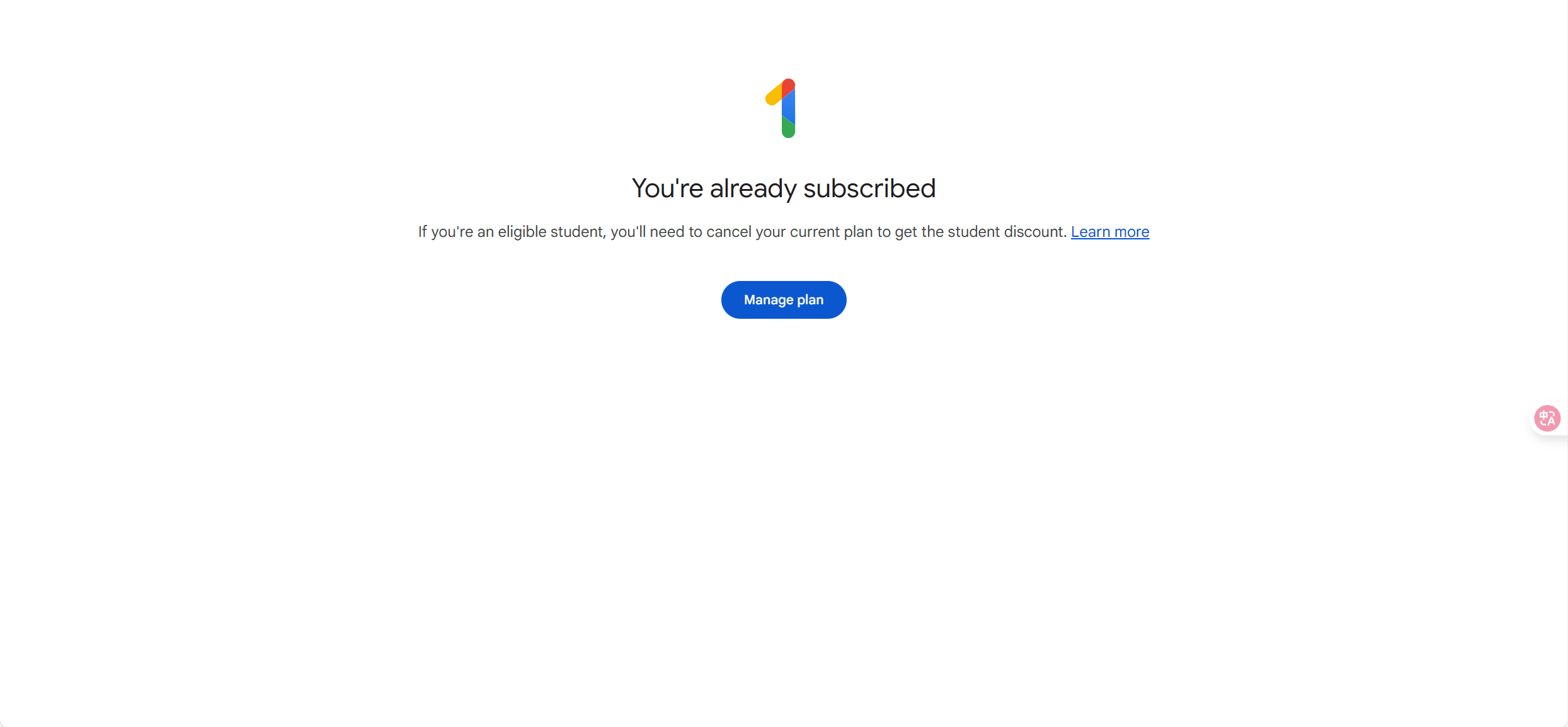
Eligible and subscribed
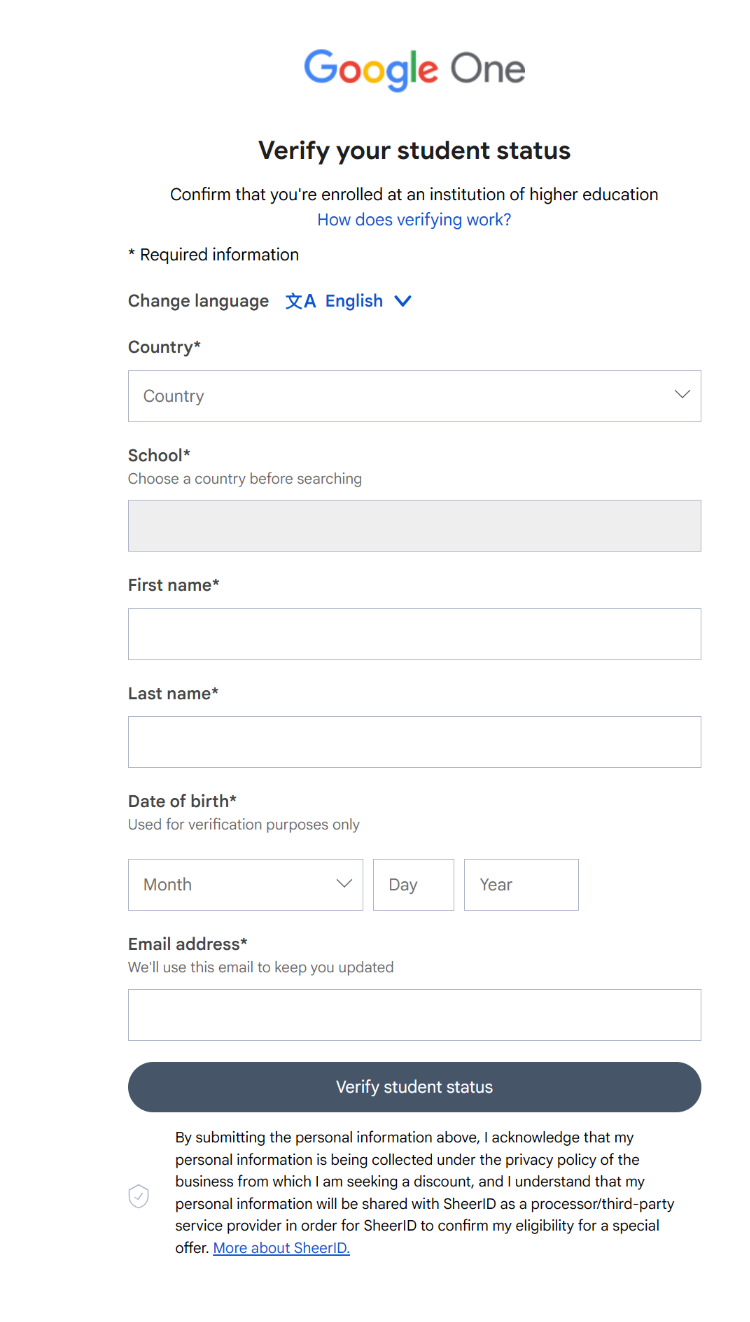
Verify Eligibility
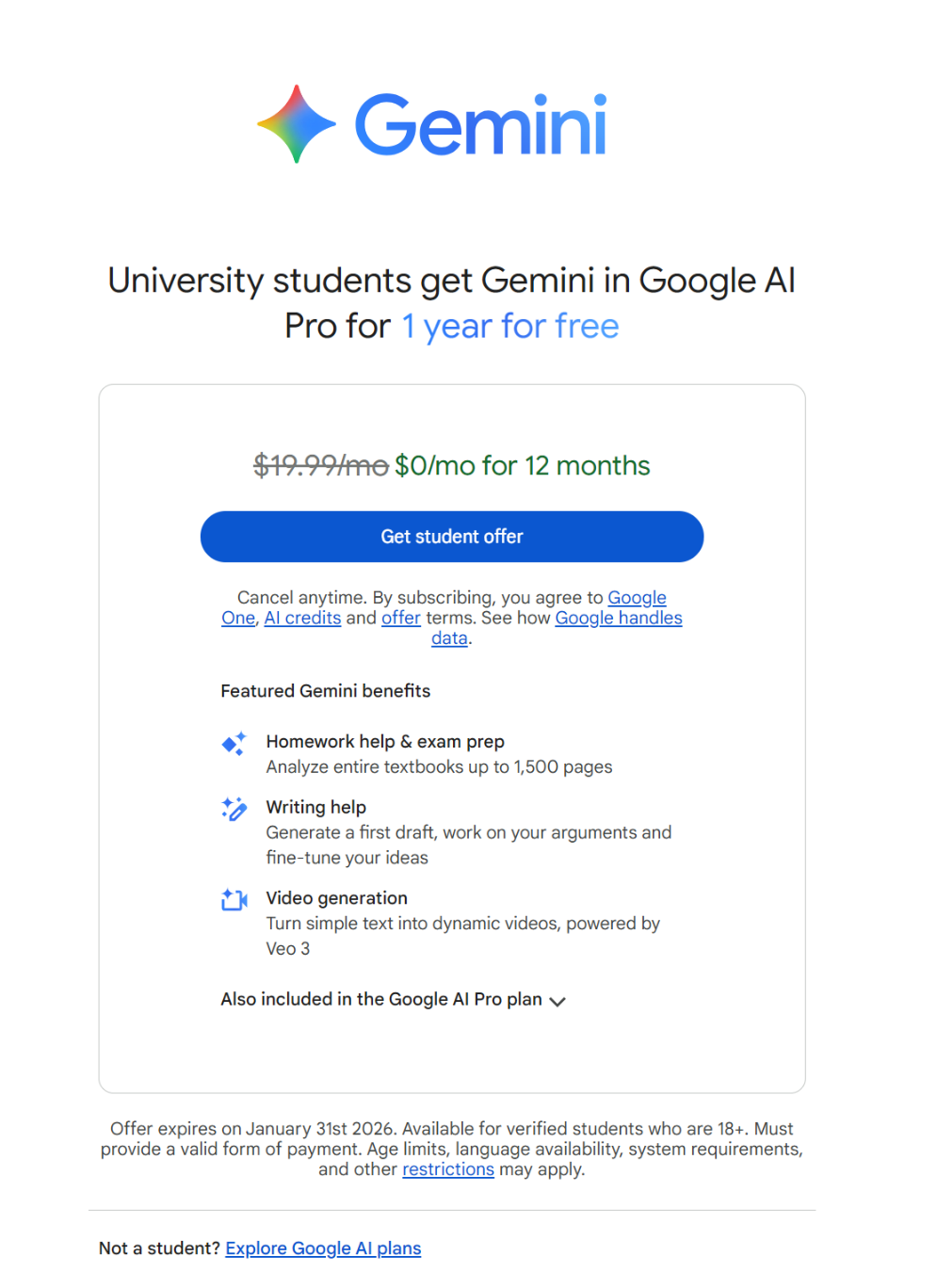
Passed Review
Review passed, get offer
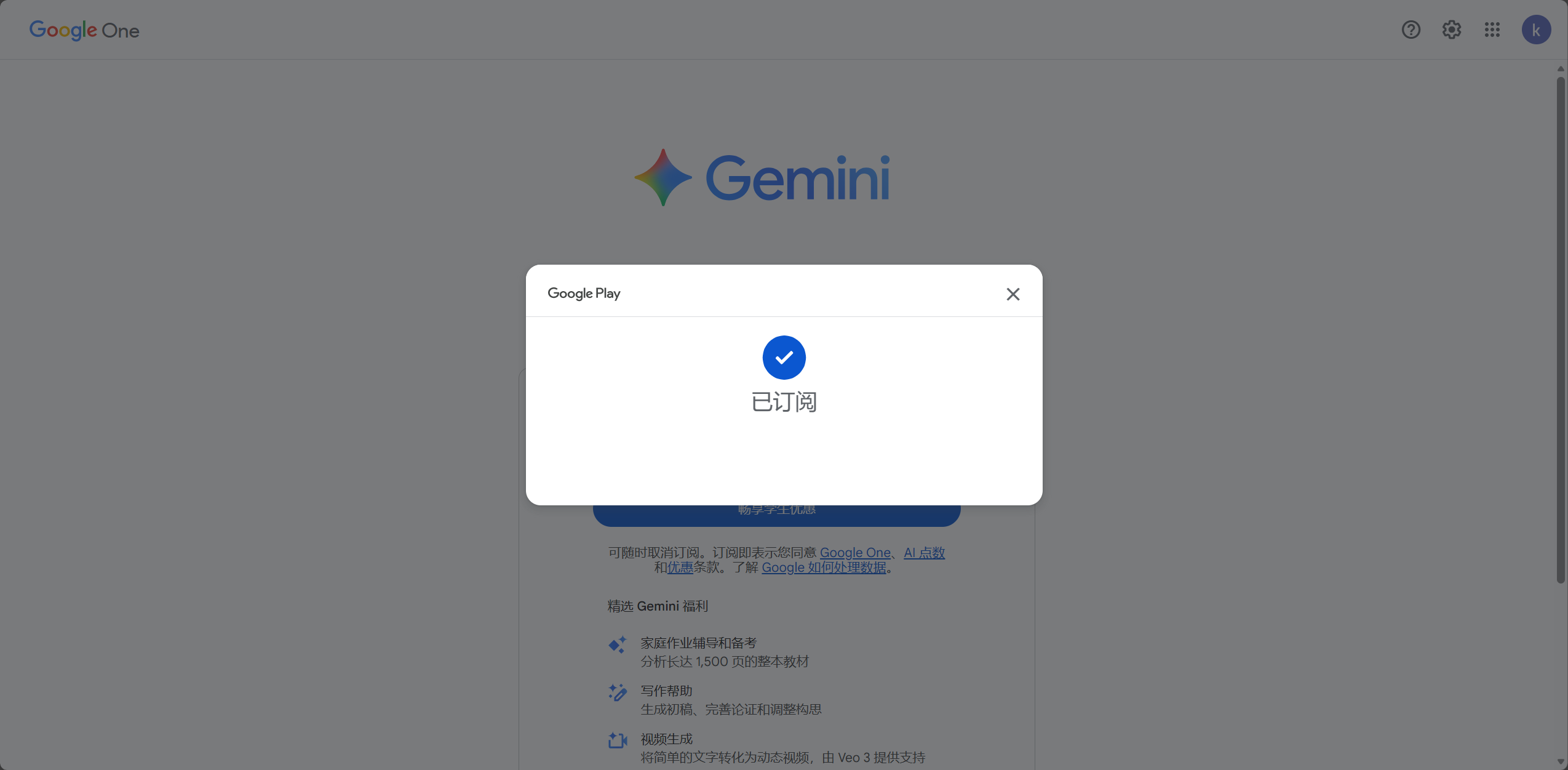
Successfully Subscribed
4. Reference Materials
According to the video, you can see where you got stuck, but the methods are outdated so refer to my documentation.